Why MovieBox Is Not in Google Play, and What That Actually Means
Introduction
Many people search for MovieBox in Google Play and are surprised not to find it. That absence is not a temporary glitch, and it is not proof that the app has been hidden for a single technical reason. It reflects how official app stores work, what kind of content they allow, and how licensing for films and television shows is handled.
Understanding why an app is absent from Google Play helps you make a safer decision. It explains why there is no store review, no verified developer page, and no simple way to confirm that a version you find elsewhere is genuine. For general information about MovieBox, you can start with the overview on the movieboxapp.buzz homepage.
How Google Play Decides What Can Be Listed
Google Play has policies for copyright, paid content, user safety, and developer identity. Apps that provide access to copyrighted films or shows must be able to show that they have the right to distribute that content. If an app aggregates streams from many sources without clear licensing, it is unlikely to meet those requirements.
Store policies also cover deceptive behaviour, misleading claims, and apps that encourage users to bypass payment or access controls. An app that offers premium content for free, without explaining its licensing, will face difficult questions during review. Developers can appeal or change their app, but they cannot simply ignore the policy and remain listed.
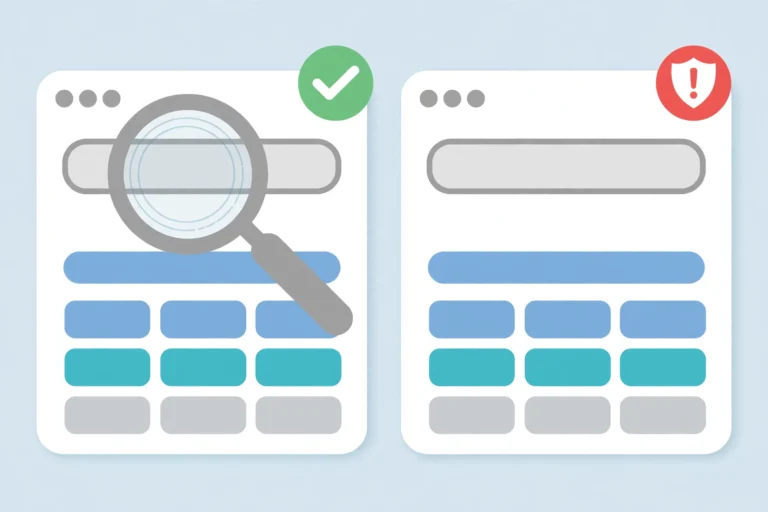
This does not mean every app outside Google Play is illegal in every country, and it does not mean every app inside Google Play is completely safe. It does mean that a Play listing is a form of accountability. The developer is identified, the app is scanned, and users can report problems through a known system.
What Absence From the Store Means for Safety
Without a store listing, there is no single verified source for the app. Many different websites may offer files under the same name, and those files may not be identical. One may be close to the original, another may contain advertising code, and another may be deliberately harmful.
Updates also work differently. In Google Play, updates come from the same developer account and are checked before distribution. Outside the store, an update may come from any site that claims to have the newest version. That makes it harder to know whether an update fixes problems, adds features, or introduces new risks.
Security warnings therefore carry more weight for unofficial apps. When your device warns you about an unknown source, it is not simply being inconvenient. It is telling you that the usual verification step is missing, and that you are being asked to accept that risk yourself.
What Absence Means for Licensing and Availability
A film or show appearing in an app does not prove that the app has permission to show it. Licensing is usually specific to a country, a time period, and a service. A title that is legally available on one service in one country may not be legally available through another app in another country.
This is why availability can change without warning. Titles can disappear, streams can stop working, and an app itself can become unavailable if its sources change. None of this proves intent, but it does mean that unofficial streaming is less stable and less transparent than a licensed service, where rights and availability are normally explained.
If you value consistent access, customer support, and clear terms, licensed services offer advantages that unofficial apps cannot guarantee. Their catalogues may be smaller or require payment, but their legal basis is clearer.
Practical Checklist When an App Is Not in Google Play
Before trusting an app that is absent from Google Play, consider these points:
- Ask why it is absent, and whether licensing or store policy is a likely reason.
- Check whether there is a verified developer, website, or support channel you can contact.
- Compare version claims across independent sources, rather than trusting one site.
- Treat security warnings as information, not as obstacles to ignore.
- Do not pay for an unofficial version to unlock features, especially through unofficial payment pages.
- Consider licensed alternatives for titles you watch regularly.
- If you cannot verify the source, the safest choice is not to use that version.
This checklist does not require technical knowledge. It simply asks you to notice when normal safeguards are missing and to adjust your trust accordingly.
A Common Misunderstanding to Avoid
Some people assume that if an app is popular, it must be approved somewhere, or that popularity proves legality. Popularity proves demand, not approval. Many unofficial apps become popular precisely because they offer content for free, and that popularity can attract clones, scams, and misleading sites.
Another misunderstanding is that using an app is risk-free because it is only streaming, not downloading. Streaming can still expose your device to malicious advertising, tracking, or deceptive pages, and it can still raise copyright questions depending on the source and your country. Popularity and ease of use are not substitutes for verification.
FAQs
Q1: Is MovieBox banned from Google Play? There is no single public ban notice to point to. The practical point is that it is not listed, which means it does not currently meet or has not passed the store’s requirements for listing.
Q2: Does absence from Google Play mean the app is definitely unsafe? No, but it means safety checks are weaker and you must do more verification yourself. Absence removes an important layer of review and accountability.
Q3: Can I trust a website that says it is the official MovieBox site? Only with caution. Many sites make that claim. Check the domain, transparency, version consistency, and independent mentions before trusting any single claim.
Q4: What is the safest alternative if I want legal streaming? Use licensed services available in your country, whether free with advertising or paid by subscription. They provide clearer rights, support, and update processes than unofficial apps.