How to Tell a Genuine MovieBox Listing From a Clone Site
Introduction
MovieBox is a well-known name in unofficial streaming, and that popularity has a downside: many lookalike websites use the same name, logo style, and promises to attract visitors. Some of these sites are simply fan-made or competing clones. Others are built to mislead people into clicking deceptive buttons, entering personal details, or installing files they did not expect.
There is no single official test that proves a site is genuine, especially when an app is not distributed through Google Play. That uncertainty is itself an important warning. The safest approach is to slow down, compare several signals, and treat any site that pressures you to act quickly with suspicion. The checks below will not guarantee safety, but they can help you avoid the most common clone traps.
Start With the Domain, Not the Design
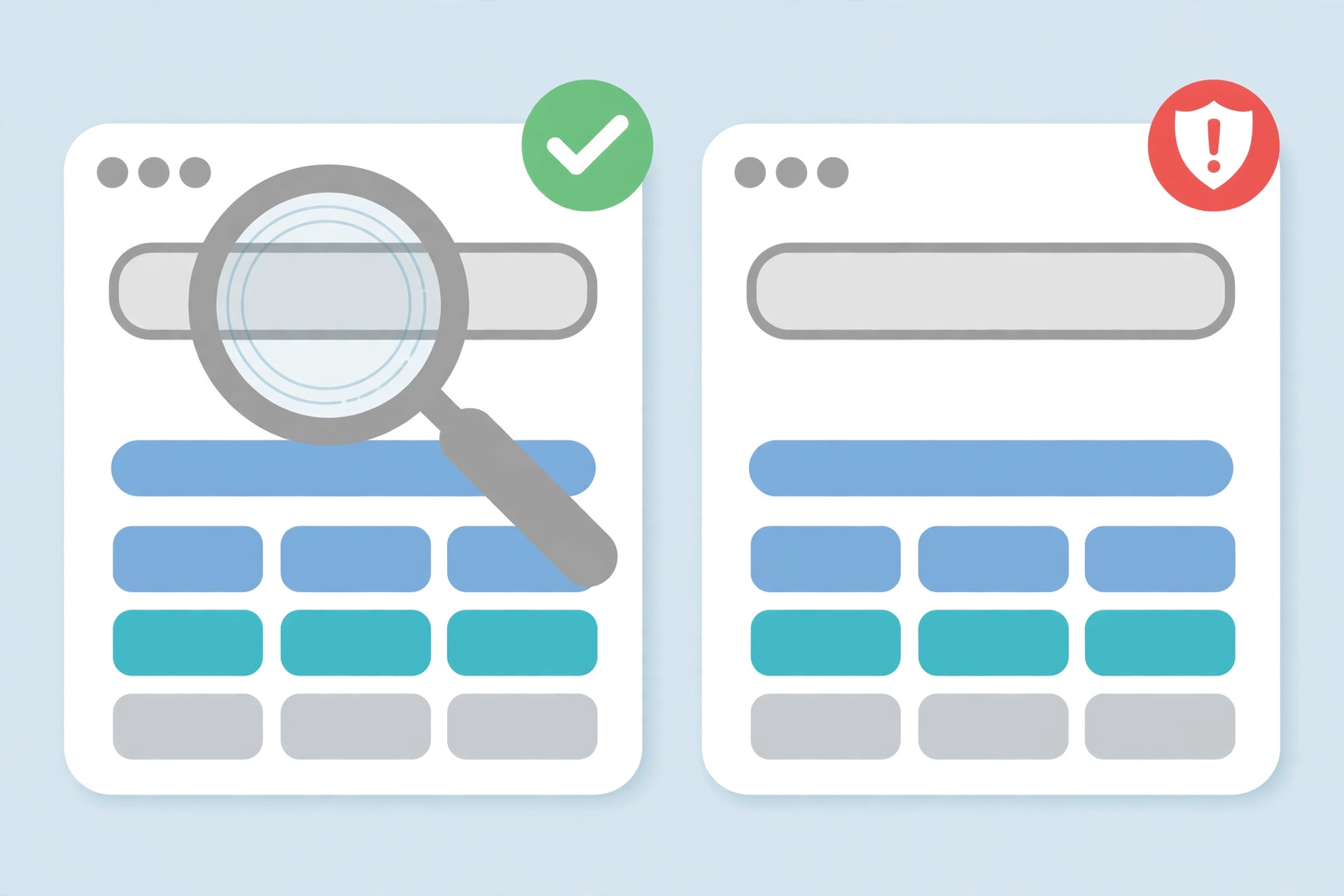
A professional-looking page is not proof of authenticity. Clone operators routinely copy colours, logos, screenshots, and even whole layouts. The domain name is harder to fake convincingly, although it can still be close.
Look carefully at the full address in your browser, not just the name in the page header. Watch for extra words, misspellings, different endings, and hyphens that change the meaning of the name. A site that calls itself the only official source while using a recently created or unrelated domain should be treated with caution.
Search for the same site name separately and see whether independent discussions, reviews, or warnings mention it. If every result points back to the same site itself, or if the name appears on many different domains with identical claims, that is a sign that the brand is being copied rather than centrally controlled. For general information about MovieBox, you can start with the overview on the movieboxapp.buzz homepage.
Check What the Site Is Actually Asking You to Do
A genuine informational page explains an app. A clone often pushes you toward an action that benefits the site owner, not you.
Be wary if a page repeatedly demands an immediate download, asks you to disable security protections, or tells you that a security warning is normal and should be ignored. Be equally cautious if it asks for a phone number, email address, payment card, or account password before showing any useful information. Legitimate information does not need your banking details, and a free app should not require payment to unlock basic access.
Also notice how the site handles questions. A page with no contact information, no clear author, no date, and no way to report a problem is easier to abandon after it has misled visitors. A site that hides who runs it deserves less trust, not more.
Look for Inconsistencies in Version and Feature Claims
Clone sites often exaggerate. They may claim the newest version, the largest library, and every premium feature at once, without explaining where that information comes from.
Compare the version number, file size, release date, and feature list with other sources. If one site claims a version far ahead of every other listing, or if its screenshots show a different interface from its description, treat the claim as unverified. Version numbers can be changed easily in text, and a higher number does not mean a newer, safer, or more complete app.
The same applies to security badges. Icons for antivirus companies, app stores, or security scanners on a web page are not the same as a verified scan. Anyone can add an image to a page. Unless the badge links to a verifiable report from that provider, it should not increase your trust.
Practical Checklist Before You Trust a Listing
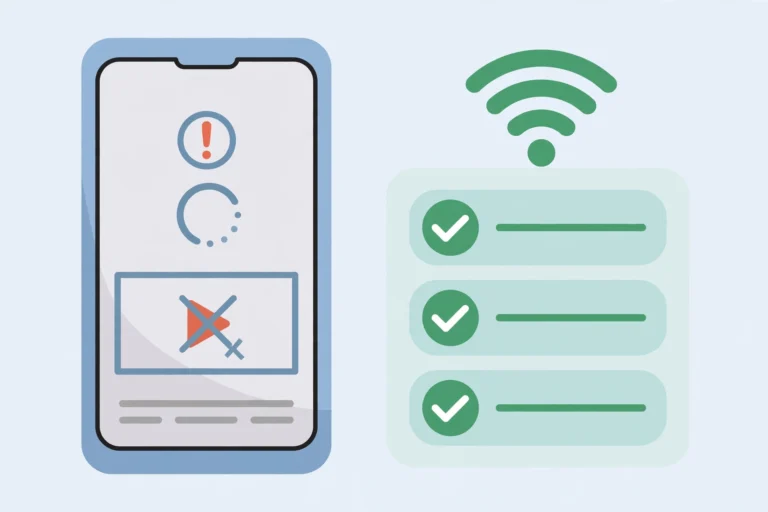
Use this checklist before relying on any MovieBox listing:
- Read the full domain carefully and check for misspellings, extra words, or unusual endings.
- Search the site name independently and look for warnings, discussions, or conflicting claims.
- Check whether the site pressures you to download immediately, disable security settings, or ignore warnings.
- Never enter banking details, card numbers, or account passwords to view information about a free app.
- Compare version, size, and feature claims with other independent sources.
- Treat security badges as decoration unless they link to a verifiable report.
- Prefer sites that explain limitations and risks, not only benefits.
- If anything feels rushed, secretive, or too good to be true, stop and do not proceed.
If a listing fails several of these checks, the safest choice is to leave it alone. There is no benefit worth the risk of a compromised device or stolen personal information.
What to Do If You Already Trusted a Clone
If you have already visited a suspicious site, do not panic, but do act promptly. Do not enter further personal information, and do not install anything it offered. If you downloaded a file, do not open it. Delete the file if you are confident you can identify it, and keep your device security protections switched on.
If you entered a password or payment details, change that password from a trusted device and contact your bank or card provider for advice. You can also report the site through your browser or search provider. Reporting helps protect other people, even if it does not remove the site immediately.
FAQs
Q1: Does a nice design mean a MovieBox site is genuine? No. Design, logos, and screenshots are easy to copy. Domain history, independent mentions, transparency, and behaviour are stronger signals than appearance alone.
Q2: Can there be more than one legitimate MovieBox site? Possibly, because unofficial apps are often discussed by many independent sites. That is exactly why you should not assume that every site using the name is official or trustworthy.
Q3: Is a site fake if it does not have an official app store link? Not necessarily, but the absence of an official store listing removes an important layer of verification. Treat such sites with extra caution and check other signals carefully.
Q4: What is the biggest red flag on a clone site? Pressure combined with a request for sensitive information. A site that rushes you and asks for payment details, passwords, or security settings to be disabled should not be trusted.