What Permissions Should a Streaming App Reasonably Ask For?
Introduction
When you open a streaming app for the first time, it may ask for access to parts of your phone. Some of those requests make sense. A video app may need network access to play content, storage access to save settings or downloads, and permission to keep playing while you use other apps. Others do not make sense at all, and granting them can expose personal information for no clear benefit.
Permissions are not just a technical detail. They define what an app can see and do on your device. Understanding the difference between a reasonable request and an unnecessary one is one of the simplest ways to protect your privacy, especially with apps that are not reviewed by an official store. For general information about MovieBox, you can start with the overview on the movieboxapp.buzz homepage.
Permissions That Are Usually Reasonable
A streaming app typically needs internet access to load titles, images, and video. Without it, streaming cannot work. It may also need permission to prevent the screen from sleeping during playback, or to use picture-in-picture mode.
If the app offers downloads, some form of storage access may be requested. That access should be limited to media files or the app’s own storage where possible. Notification permission can also be reasonable if the app sends alerts about new episodes or continue-watching reminders, although it is not essential and can usually be declined without breaking playback.
These permissions should be explained in plain language, either in the app or in its privacy information. If you cannot understand why a permission is needed, that is a reason to pause rather than accept automatically.
Permissions That Should Make You Pause
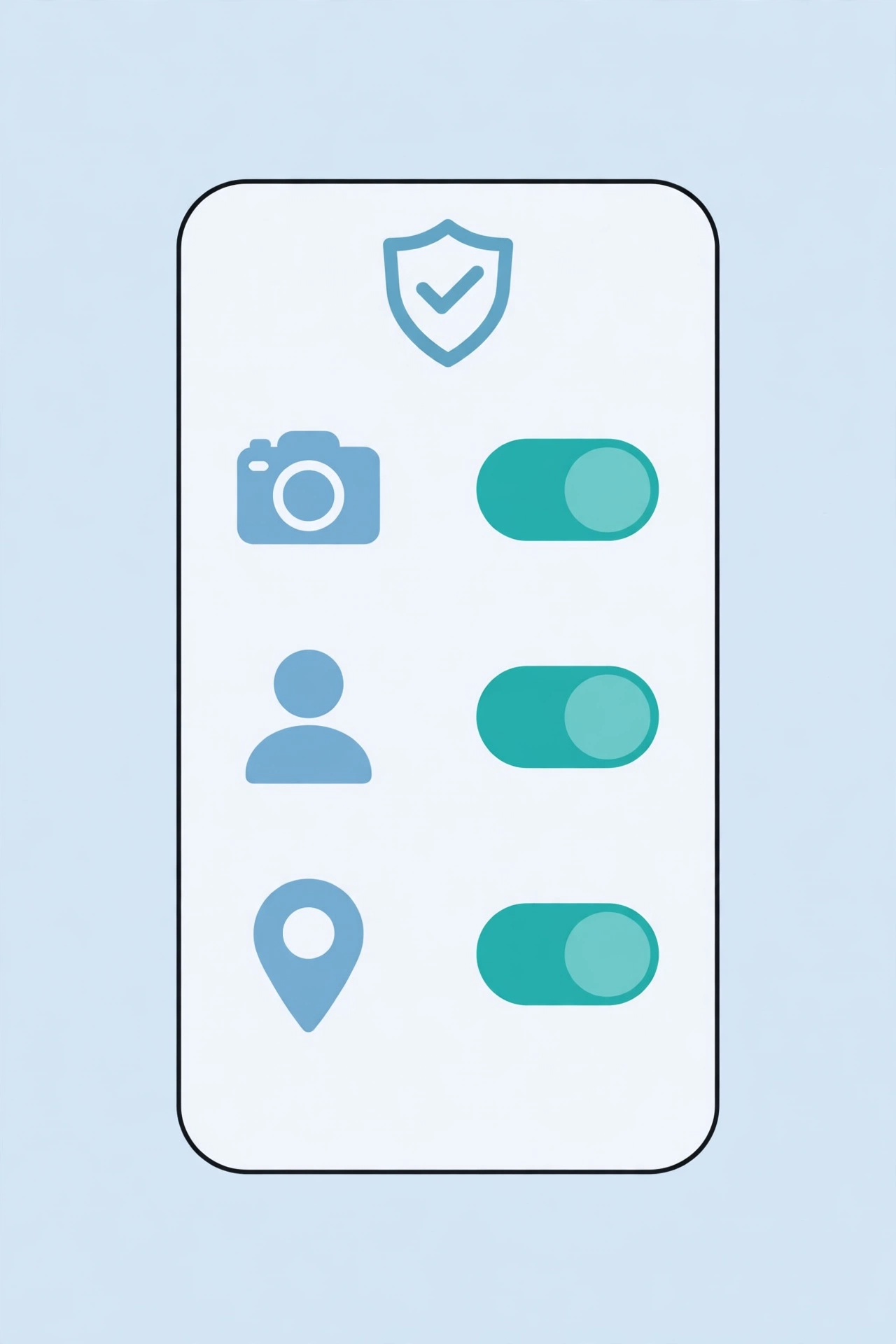
Some requests have little connection to watching video. Access to your contacts, call logs, text messages, precise location, microphone, or camera is not normally needed to stream a film. An app that asks for all of these at once should be questioned, even if it claims the access is for a minor feature.
Access to files beyond media, permission to draw over other apps, accessibility access, or device administrator rights are particularly sensitive. These can allow an app to observe activity, interfere with other apps, or make itself difficult to remove. A streaming app should not need that level of control to play video.
The same caution applies to account permissions. An app should not need access to your email account, social media accounts, or payment accounts simply to show a catalogue of titles. If it asks, consider whether the benefit is real or whether the request is collecting data for another purpose.
Why Unofficial Apps Deserve Extra Scrutiny
Apps distributed through Google Play go through store review, automated checks, and a system of user reports. That system is not perfect, but it provides some accountability. Apps distributed outside an official store do not have the same review process, and their permission behaviour may not be checked by anyone before you use them.
That does not automatically mean every unofficial app is harmful. It does mean you cannot rely on a store badge to do the checking for you. You become the reviewer, and permissions are one of the few visible clues about what an app intends to do.
A modified or unofficial version can also behave differently from the original app it is based on. Extra code can add extra data collection, advertising, or background activity that is not described in the feature list. If an app asks for more permissions than its features justify, assume the extra access could be used for purposes you have not agreed to.
Practical Checklist for Reviewing Permissions
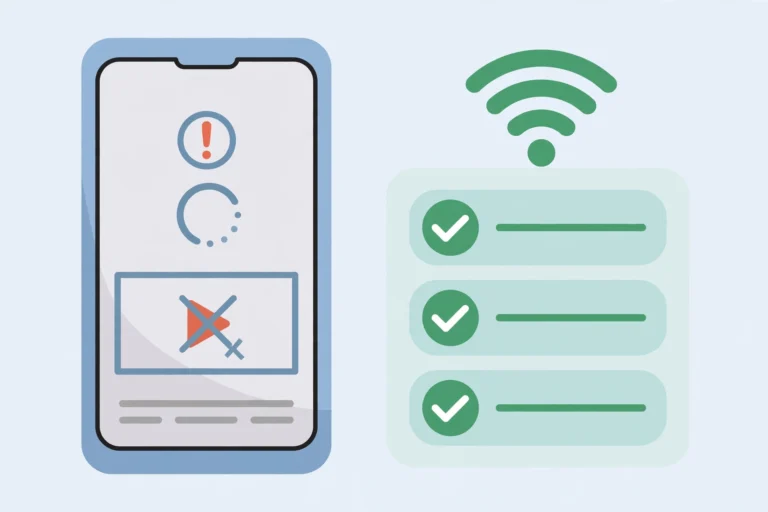
Before using a streaming app, work through this checklist:
- List each permission requested and ask what feature it supports.
- Decline permissions that are not needed for the feature you want to use.
- Be especially cautious with contacts, messages, calls, location, microphone, camera, and accessibility access.
- Check whether permissions can be limited, for example to media files only or to use only while the app is open.
- Review permissions again after updates, because new versions can add new requests.
- If an app refuses to work without unrelated permissions, consider that a warning sign rather than a reason to accept.
- Remove apps you no longer use, so they do not retain access unnecessarily.
You do not need to accept every request to be polite or to move faster. Declining a permission is a normal, reversible choice, and a well-designed app should still offer its core features with minimal access.
What to Do If You Already Granted Too Much
If you realise an app has more access than it needs, you can usually reduce that access in your device settings. Look for the app in your settings, open its permissions, and turn off anything that is not clearly necessary. If you are unsure about a permission, turning it off and seeing whether the app still works is a practical test.
If an app behaves strangely after you change permissions, or if it repeatedly asks for the same sensitive access, uninstalling it is safer than continuing to negotiate with it. Also consider changing passwords if you believe an app may have accessed account information, and keep your device software up to date.
FAQs
Q1: Does a streaming app need my location? Usually no. Location might be used for regional content suggestions, but it is not needed for basic playback, and precise location is rarely justified.
Q2: Should I allow storage access for offline viewing? Only if you actually plan to download content, and preferably only with limited media access. If you only stream, storage access may not be needed at all.
Q3: What if an app will not work unless I accept all permissions? Treat that as a red flag. A legitimate app should explain why each permission is needed and should not demand unrelated access as a condition of basic use.
Q4: Are permissions the same on every version of an app? No. Different versions, updates, and unofficial builds can request different permissions. Review them again after any update or reinstall.